Customer guide
Everything you can do in the Lao Derm Super App — with or without an account.
Create an account
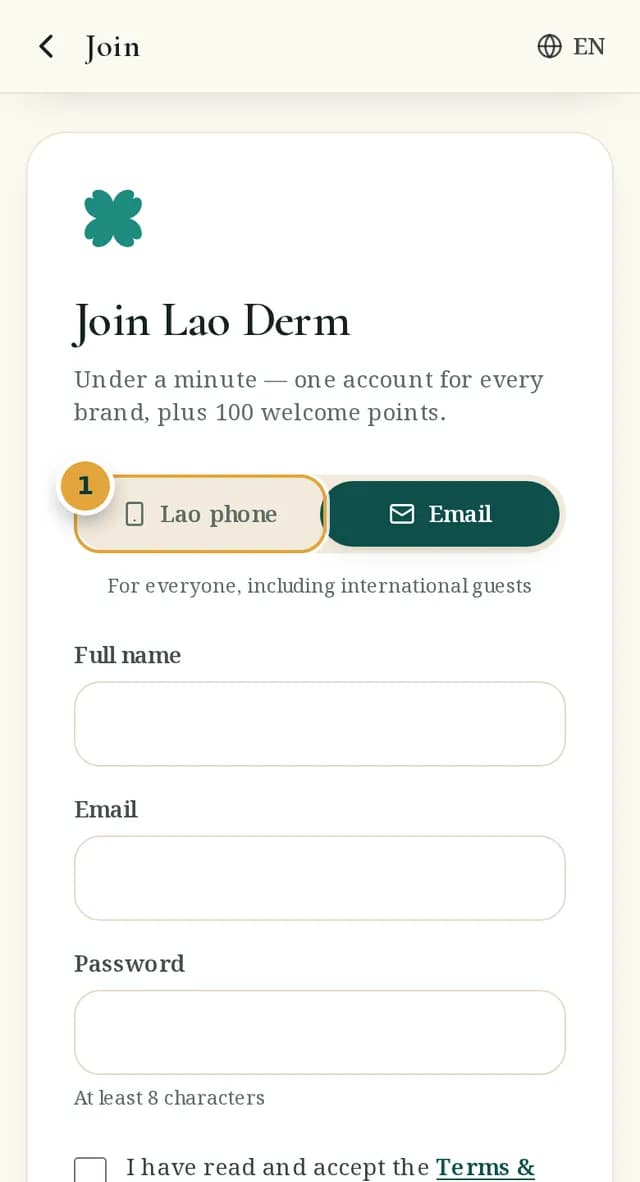
- 1Tap Join → choose Lao phone (6-digit PIN) or Email (password of 8+ characters)
- 2Read and tick to accept the Terms and Privacy Policy (required); news and offers are optional
- 3Enter the 6-digit code sent to your WhatsApp or email (valid for 5 minutes)
- 4You receive 100 welcome points straight away
Book (member or guest)
- 1Search or pick an icon on the home screen → open a venue → tap Book on an item
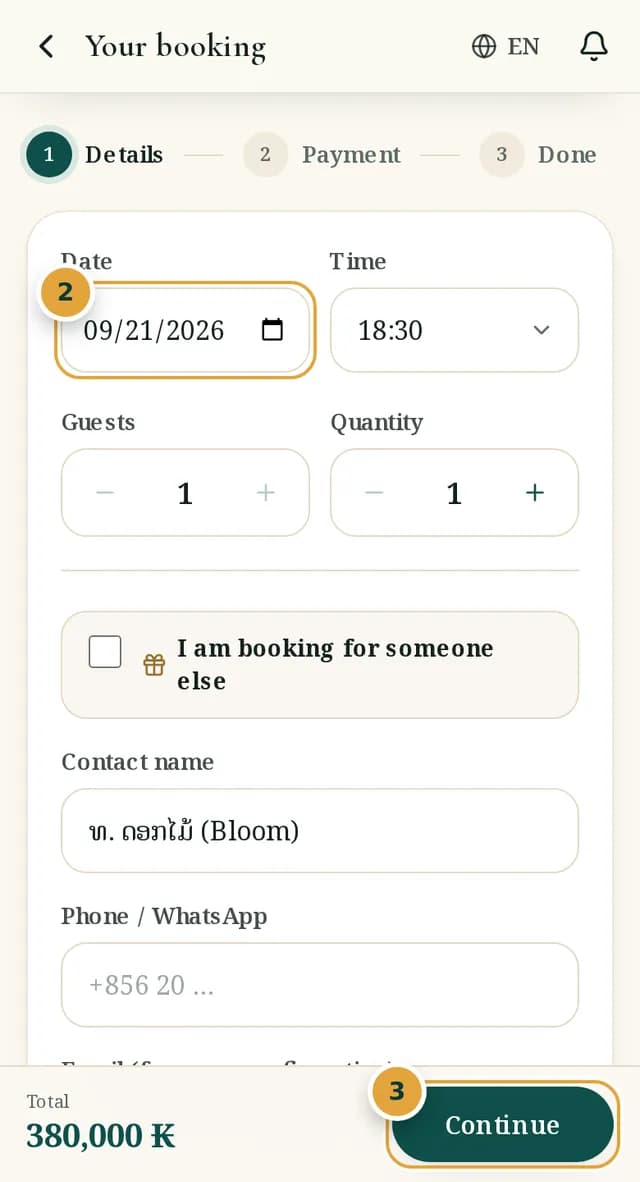
- 2Choose date, time and party size; enter a name and phone (plus an email to receive your confirmation)
- 3Check the total → Continue → choose how to pay (OnePay QR, card, pay at the venue)
- 4You get a booking code, a QR and a private tracking link; show the code or QR on arrival
Track, change and cancel
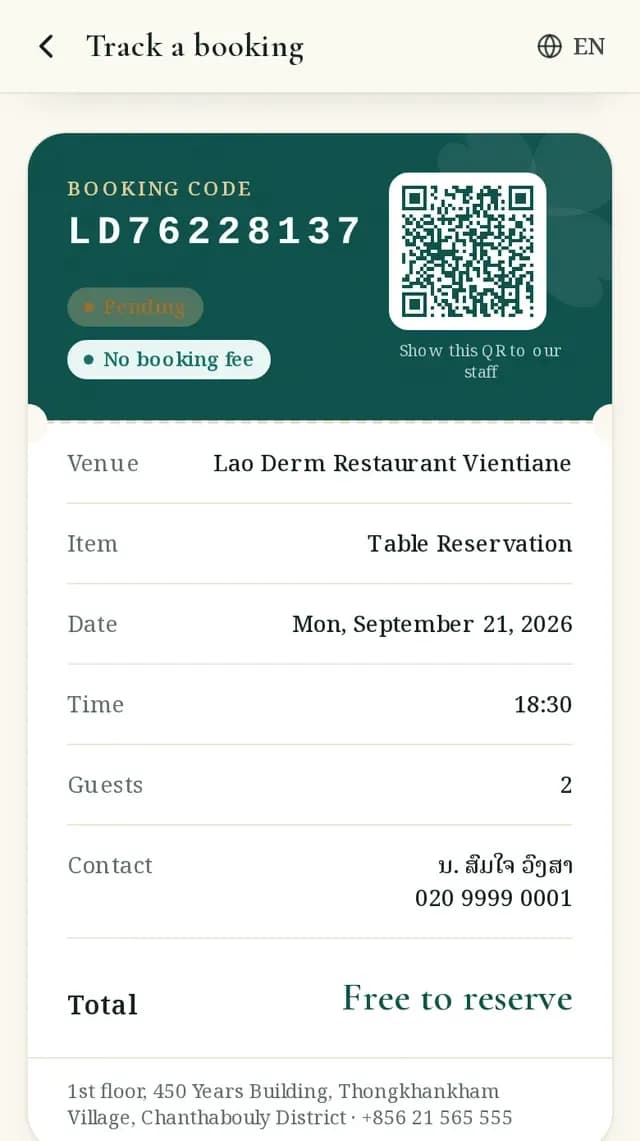
- 1Members: the Bookings tab. Guests: open the link in your confirmation, or Bookings → enter your code and the phone/email you booked with
- 2The ticket shows live status, a timeline, pay, print/PDF and cancel (until you are checked in)
- 3Cancellation and refund terms are in section 7 of the Terms
Queue tickets (walk-in)
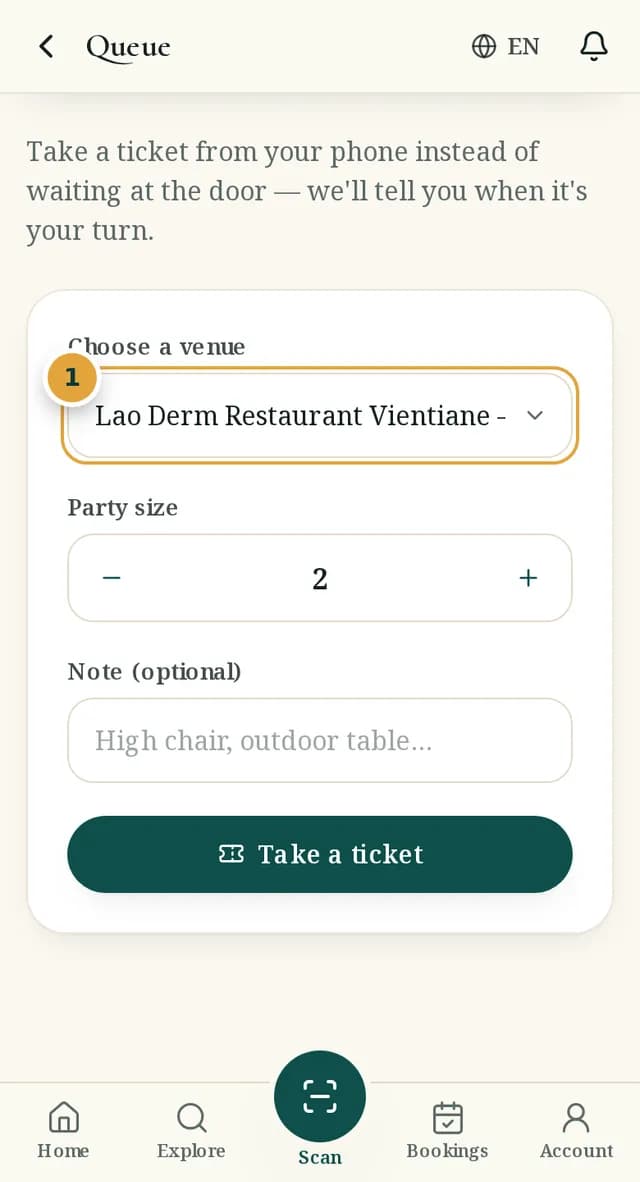
- 1Queue tab → choose a venue and party size → take a ticket
- 2Watch your position and estimated wait — the screen updates on its own
- 3When the card turns gold it's your turn; please arrive within 10 minutes
In-stay service
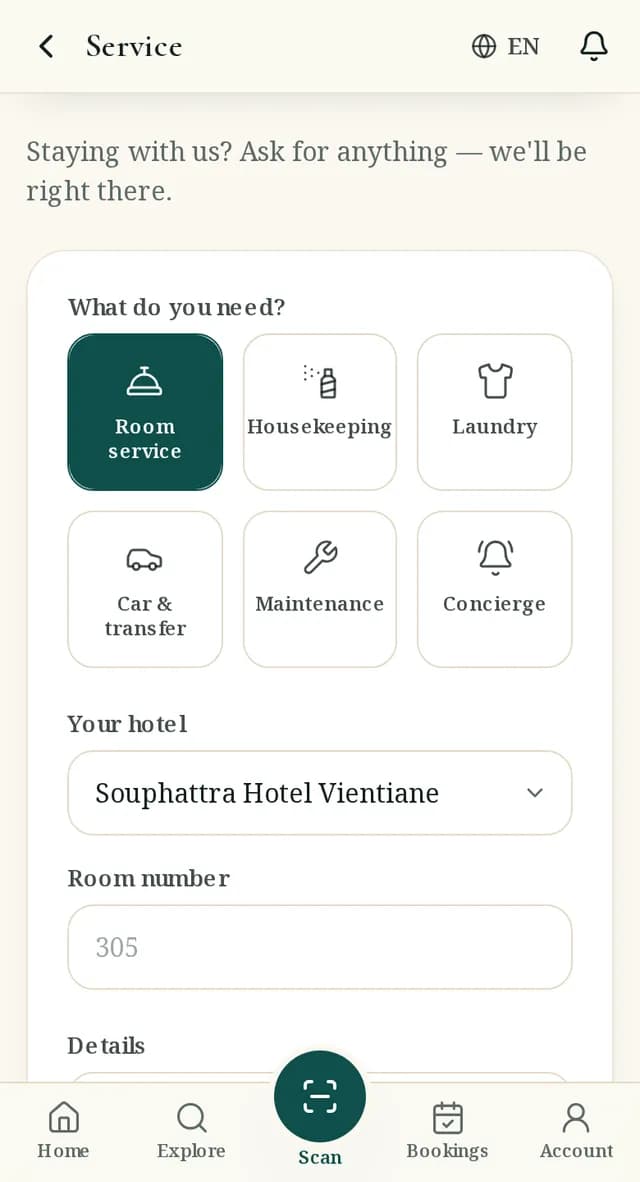
- 1Service → choose a type (room service, housekeeping, laundry, car, maintenance, concierge) → room number and details
- 2Follow the status: received → accepted → on the way → done
Cars, tours and travel services
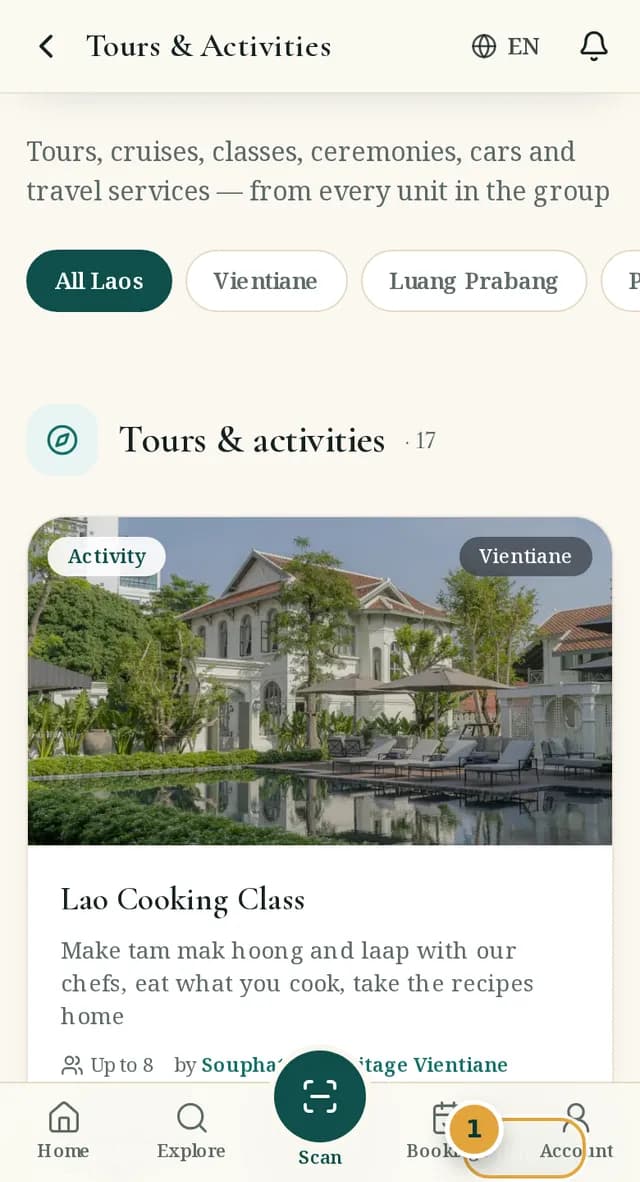
- 1Tours & Activities lists tours, cruises, classes, cars and visa services from every unit
- 2Cars: a pick-up point is required; drop-off and flight number help the driver prepare
- 3Visa services: hand documents to staff directly — never upload or type passport numbers into the app
Pak Wen points and reviews
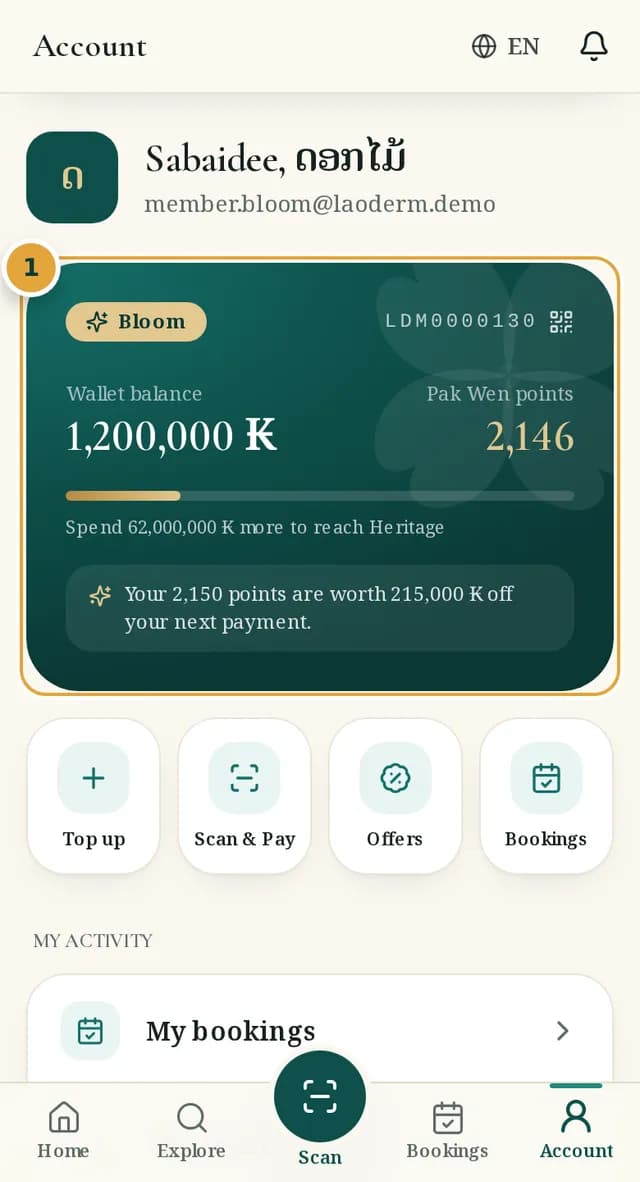
- 1Earn points on every successful payment (rate shown in Account); tiers Leaf → Bloom → Heritage
- 2You can review once the unit marks your visit completed — one review per venue
Wallet, Scan & Pay and paying for others
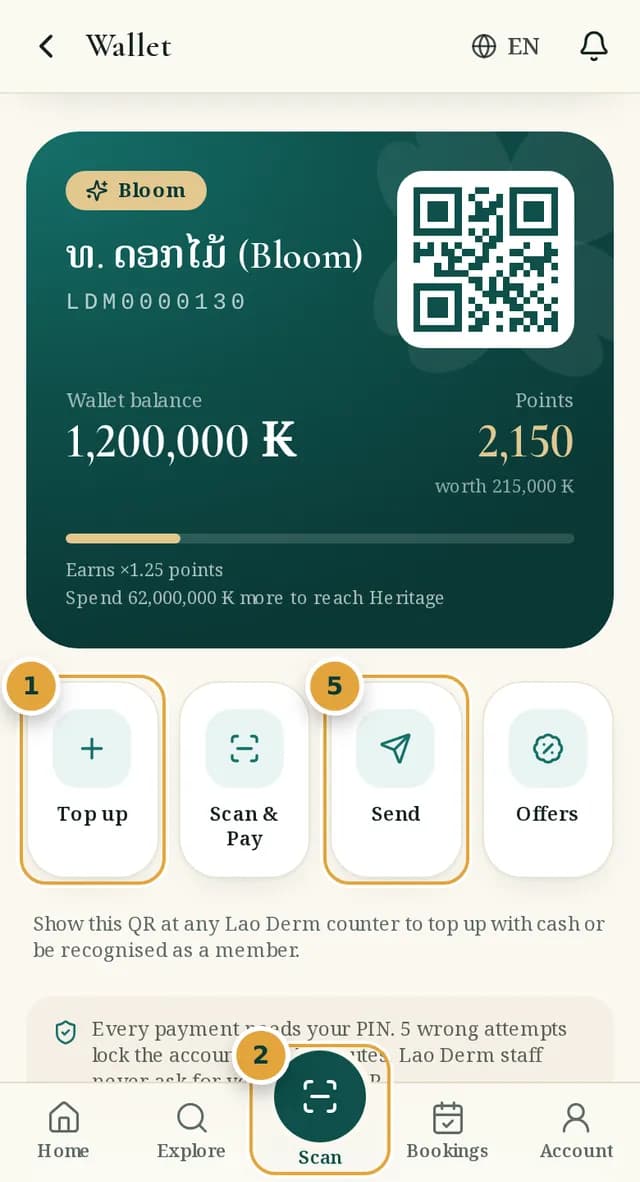
- 1Account tab → Wallet → accept the Wallet Terms → top up (OnePay/card, or cash at a counter by showing your member QR)
- 2Pay at a venue: tap the centre "Scan" button → scan the Lao Derm Pay QR at the counter → enter the bill amount → confirm with your PIN → show the "Payment successful" screen to staff
- 3Pay for a booking: choose Wallet, enter a promo code, redeem points (up to half of the total)
- 4Ask someone else to pay: pay page → "Share payment link"; book for someone else: tick "I am booking for someone else" on the booking form
- 5Send wallet credit to another member by mobile, email or member number (daily limit; never cashed out)
- 6Cancelling a wallet-paid booking returns the money to the wallet at once
Report a problem or suggest something
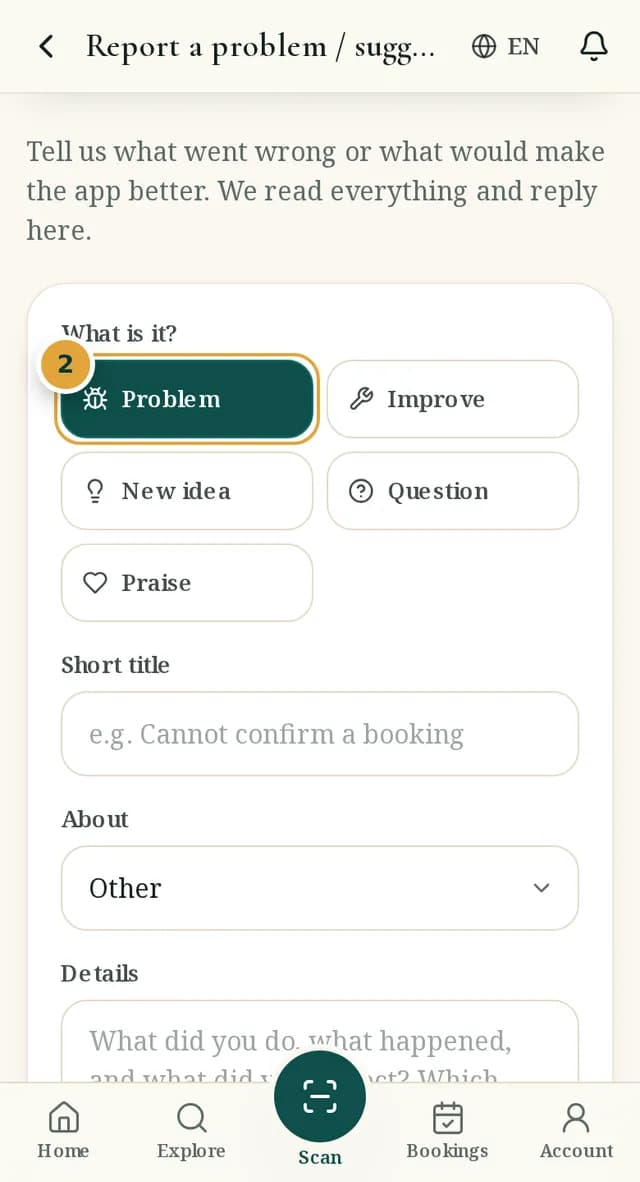
- 1Account tab → "Report a problem / suggest"
- 2Choose the type (problem, improve, new idea, question, praise) → a short title → the details
- 3Follow the status (new → reviewing → planned → in progress → done) and our reply on the same page
- 4Never include a PIN, password or card number; for anything urgent call customer service
Account, security and your data
- 1Forgot PIN/password: Sign in → "Forgot your PIN or password?" → code → set a new one
- 2Five wrong attempts lock the account for 15 minutes; staff will never ask for your PIN or a code
- 3Account screen: notification and news switches, change PIN, download your data, delete your account
ข้อกำหนด & ความเป็นส่วนตัว · +856 21 529999